 Telegram
Watch anime
on your TV.
AniLab is free. It runs on Android TV and Google TV, with subbed and dubbed episodes.
Download AniLab
Downloader code
2876875
Telegram
AniLab is free. It runs on Android TV and Google TV, with subbed and dubbed episodes.
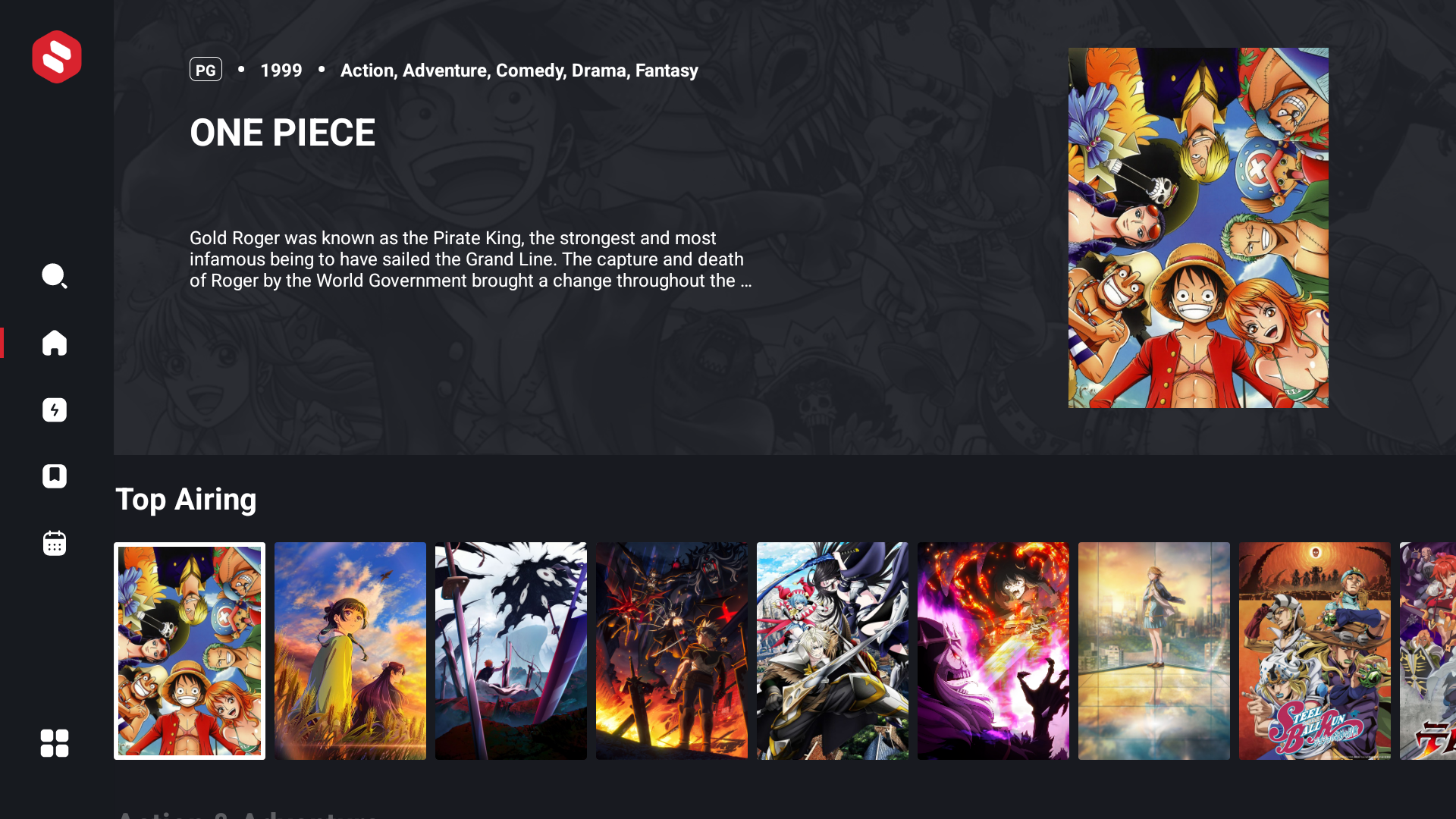
AniLab is a TV app for watching anime. You browse with your remote, pick an episode and it plays. Here's what it does.
Episodes play in Japanese with subtitles. If a show has an English dub, you can switch to it in the player.
Stop halfway and come back later. It remembers the episode, the time, and whether you were on sub or dub.
If a show is in the app, you can watch it. You won't open something and find nothing there.
See which episodes come out today and this week, shown in your local time.
Save shows you want to watch later. No account, everything stays on your TV.
Find any show by name and jump straight to its episodes.
On your TV, get the free Downloader app from the Play Store.
Open it and type 2876875. The AniLab APK downloads.
Press Install, then open AniLab from your apps.